Technology
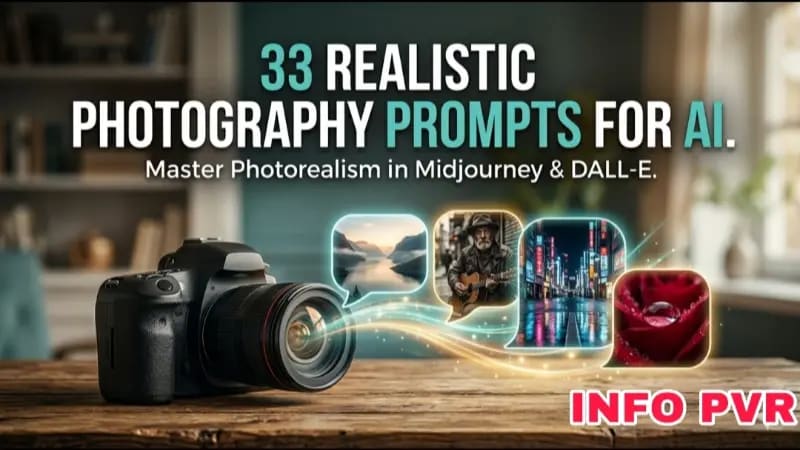
33 Realistic Photography Prompts for AI Image Generators
Mar 4, 202615 min read
Generating highly realistic photography with artificial intelligence requires extreme precision in your prompting. You cannot just type "a cool photo of a car" and expect a cinematic masterpiece. After spending hundreds of hours testing Midjourney and DALL-E 3, I have cataloged the specific keywords and technical phrasing required to force AI generators to output photorealistic imagery rather than digital paintings.
The Technical Prompting Framework
To achieve true photorealism, your prompt must mimic the instructions a professional photographer would give a camera.
You need to define the camera type, lens focal length, lighting conditions, and film stock. If you leave these variables up to the AI, it will default to a heavily airbrushed, plastic-looking "AI style."
Hands-on Insight: During my testing, I noticed that adding the phrase "shot on 35mm lens, f/1.8 aperture" drastically reduces the artificial smoothing effect on human faces, forcing the AI to render actual skin texture and pores.
Lighting and Environmental Keywords
Lighting makes or breaks a photograph. You must explicitly define the light source in your prompt to ground the image in reality.
1. Natural Lighting Prompts:
* "Golden hour lighting, long soft shadows, warm color temperature"
* "Overcast daylight, diffused lighting, flat contrast"
* "Harsh midday sun, sharp shadows, high contrast"
2. Studio Lighting Prompts:
* "Cinematic rim lighting, dark background, stark contrast"
* "Three-point studio lighting, softbox, professional portrait setup"
* "Neon cyberpunk lighting, wet streets reflecting pink and cyan light"
Hands-on Insight: I found that using "cinematic lighting" is often a trap; it makes the image look like a Marvel movie poster. If you want a casual, realistic photo, use keywords like "natural ambient light" or "fluorescent overhead lighting."
Camera and Film Stock Keywords
Instructing the AI to emulate specific physical cameras is the easiest way to inject natural imperfections (like film grain or slight lens distortion) into the image.
3. Vintage & Film Prompts:
* "Shot on Kodak Portra 400, heavy film grain, vintage color science"
* "Polaroid instant camera aesthetic, faded borders, light leaks"
* "Shot on Leica M6, black and white 35mm film, high contrast"
4. Modern Digital Prompts:
* "Shot on Sony A7R IV, 85mm portrait lens, shallow depth of field"
* "GoPro action camera footage, ultra-wide angle, fisheye distortion"
* "Drone photography, aerial top-down view, crisp focus"
Subject and Texture Keywords
The AI struggles with perfection. Real life is messy. You must prompt for imperfections to sell the realism.
5. Human Subject Prompts:
* "Unedited portrait, visible skin pores, stray hairs, natural asymmetrical facial features"
* "Candid street photography, motion blur on passing cars, subject slightly out of focus"
Hands-on Insight: When generating portraits, I always include the keyword "candid." If you don't, the AI will generate subjects staring dead-eyed into the camera with unnatural, perfectly symmetrical faces.
Mastering the Prompt
The secret to realistic AI generation is constraint. By rigidly defining the camera, lighting, and environmental factors, you remove the AI's ability to default to its overly stylized, digital art training data. Use these prompts as a baseline, and constantly adjust the focal lengths and lighting conditions to hone your results.